

Unboxing
Last time, we covered the poor experience I had with fetching my new Mac at the Apple Store. Presently, instead, I’m writing this article already on the new machine, completely set up. A few files still reside on the old Mac and will be transferred soon enough, but I would like you to know that I’m now up and running and delighted with it.
Before proceeding with the unboxing, I decided to try to clean the box. Luckily, it was just some dark stains left over from the shelves, or the workers’ hands, or anything else, really. I took a soft wipe, dampened it with the same solution I use to clean my devices’ screens (30% isopropyl alcohol, 70% water), and gently rubbed the dirty spots. Apart from the scratch in that single spot, I challenge anyone to distinguish this box from a new one now. Still, I would have preferred some kind of wrapping around it.
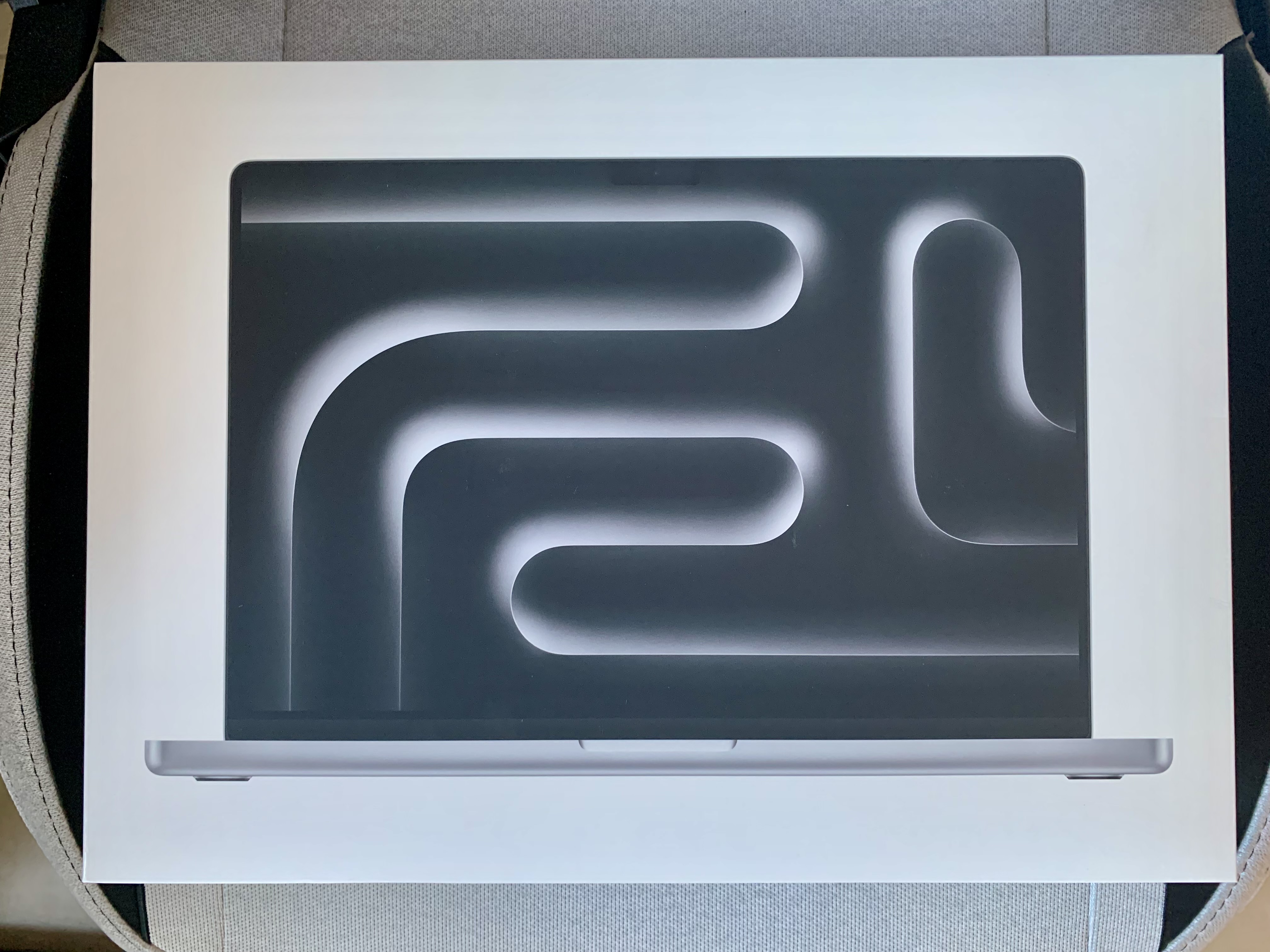
I then removed the lid to reveal the Mac waiting underneath it. It may be personal, but the silver colour is simply beautiful! Now that I have the contrast of the black keyboard next to the shiny silver grey in front of me, I am convinced I have made the best choice.

The MacBook Pro was wrapped in a thin sheet of paper. I would have preferred some kind of recyclable plastic, since not all paper is recyclable and this one doesn’t look like something that could be easily turned back into an ordinary sheet. Regardless, the whooshing noise of the first time you unsheathe a Mac from its wrapping is always exciting.
Here below, you can see a sneak peek of what is below the MacBook Pro, revealing the unmatched attention to details that Apple constantly put into their products. Look at how curated is the coiling of the USB-C to MagSafe power cable. I have never managed to reproduce it.
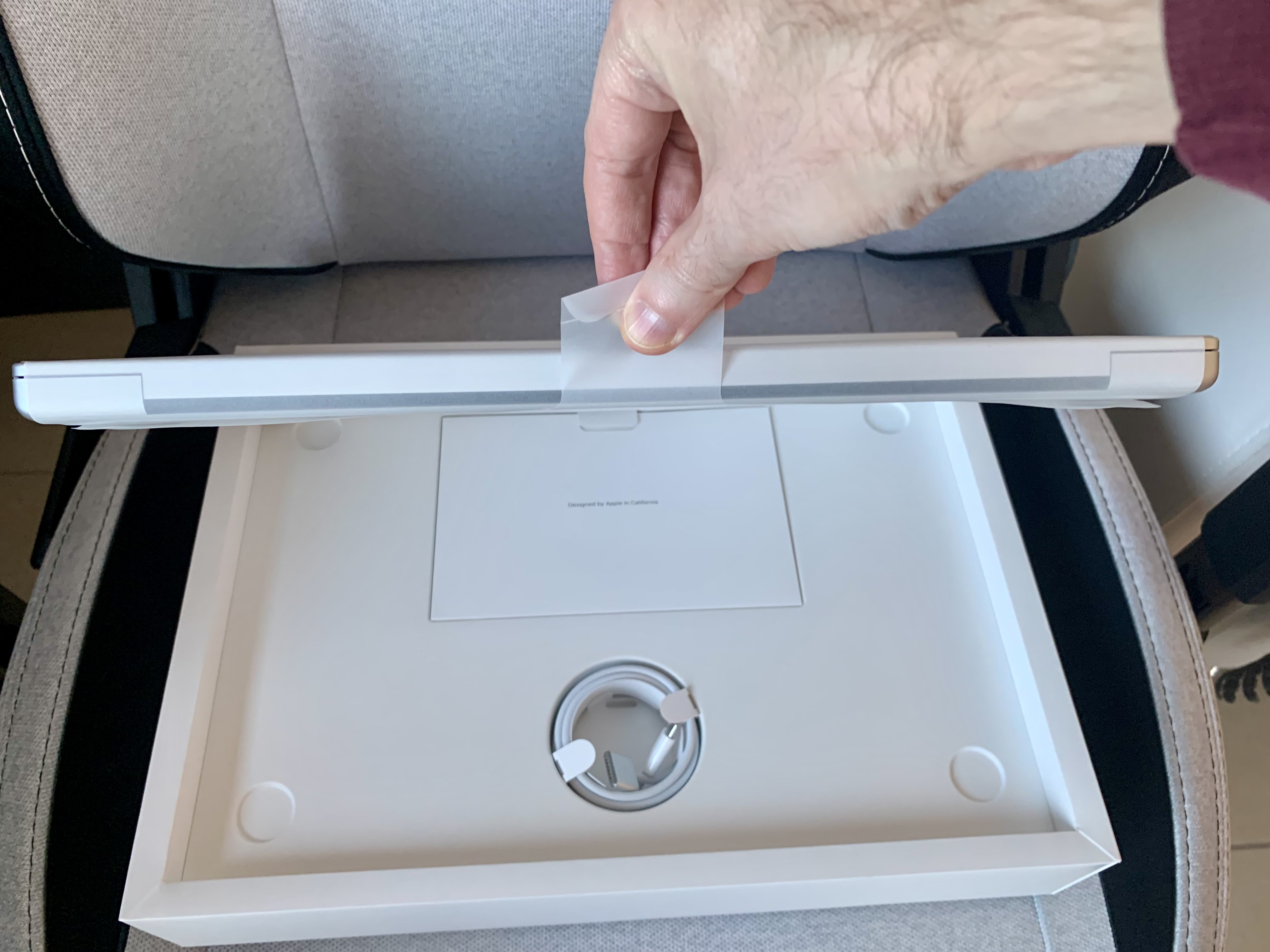
Now, there are a couple of things I would like you to pay attention to:
- Look at how thick this MacBook Pro is. Mobility-wise, the true successor to the 2016 chassis is the 15-inch MacBook Air, no doubt about it. This is more like the PowerBook G4 resurrected from the sands of time! And it is heavy, so much that I dubbed mine “Bricky”!
- Still, it is not so thick, while most of the box are empty mashed cardboard. One may think that around the documentation and the power cable there may be something else, but no, it is all empty. They could have easily added the extension power cord, as my 2009 MacBook Pro had. The whole extra thickness of the box is due to how massive the power brick is (even though still quite compact for a 140W charger, thanks to GaN technology).
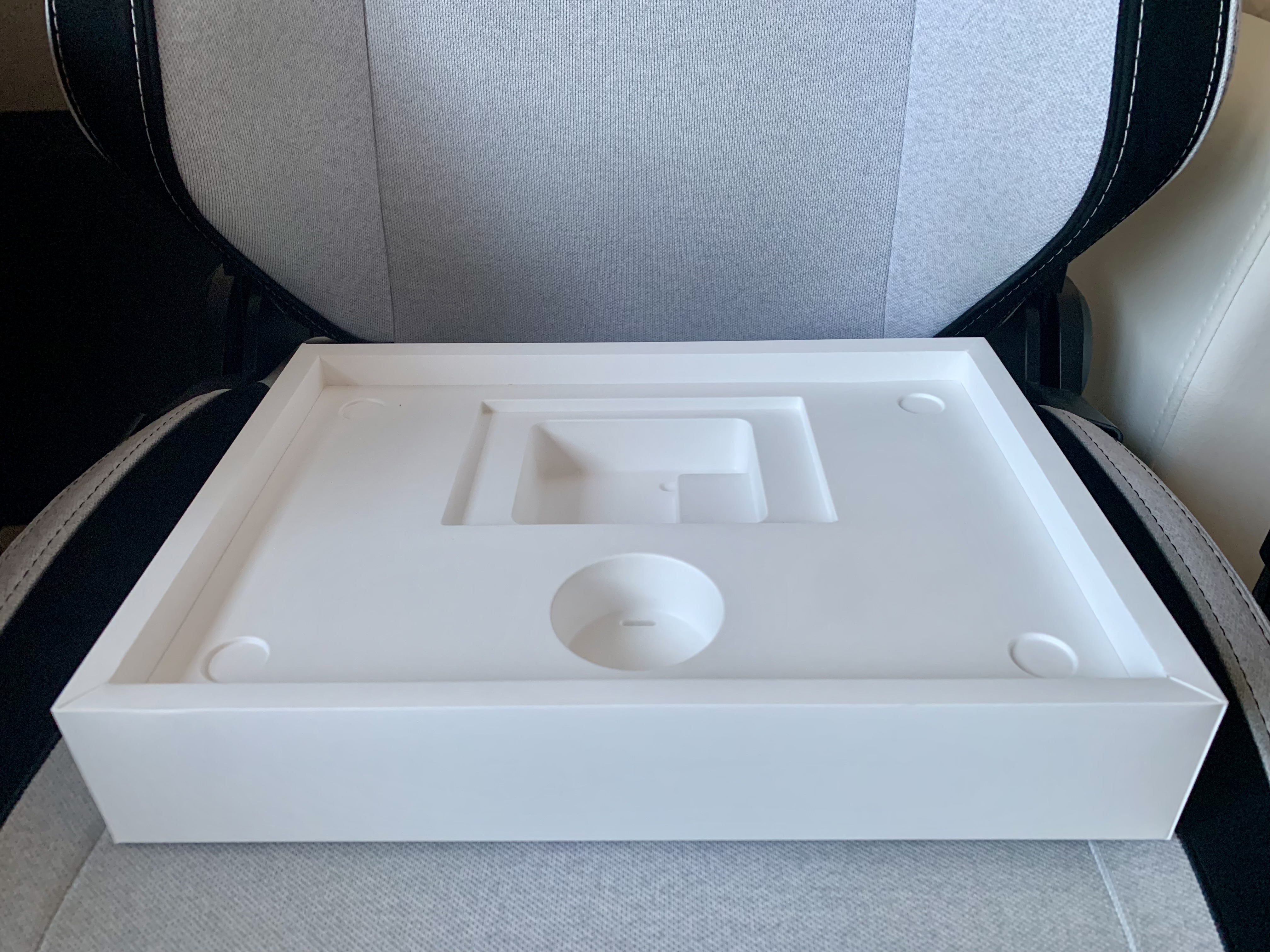
One of the first things that YouTube reviewers showed in these weeks where basically everybody unboxed Space Black version was the black stickers. By extension, one could think that I would get white stickers (as I did for both the 2009 and 2016 MacBook Pros). Instead, to my amazement, they gave black ones here as well, possibly meaning that, for “Pro” machines, stickers are black. I do not remember what Mac Studio users get, honestly.
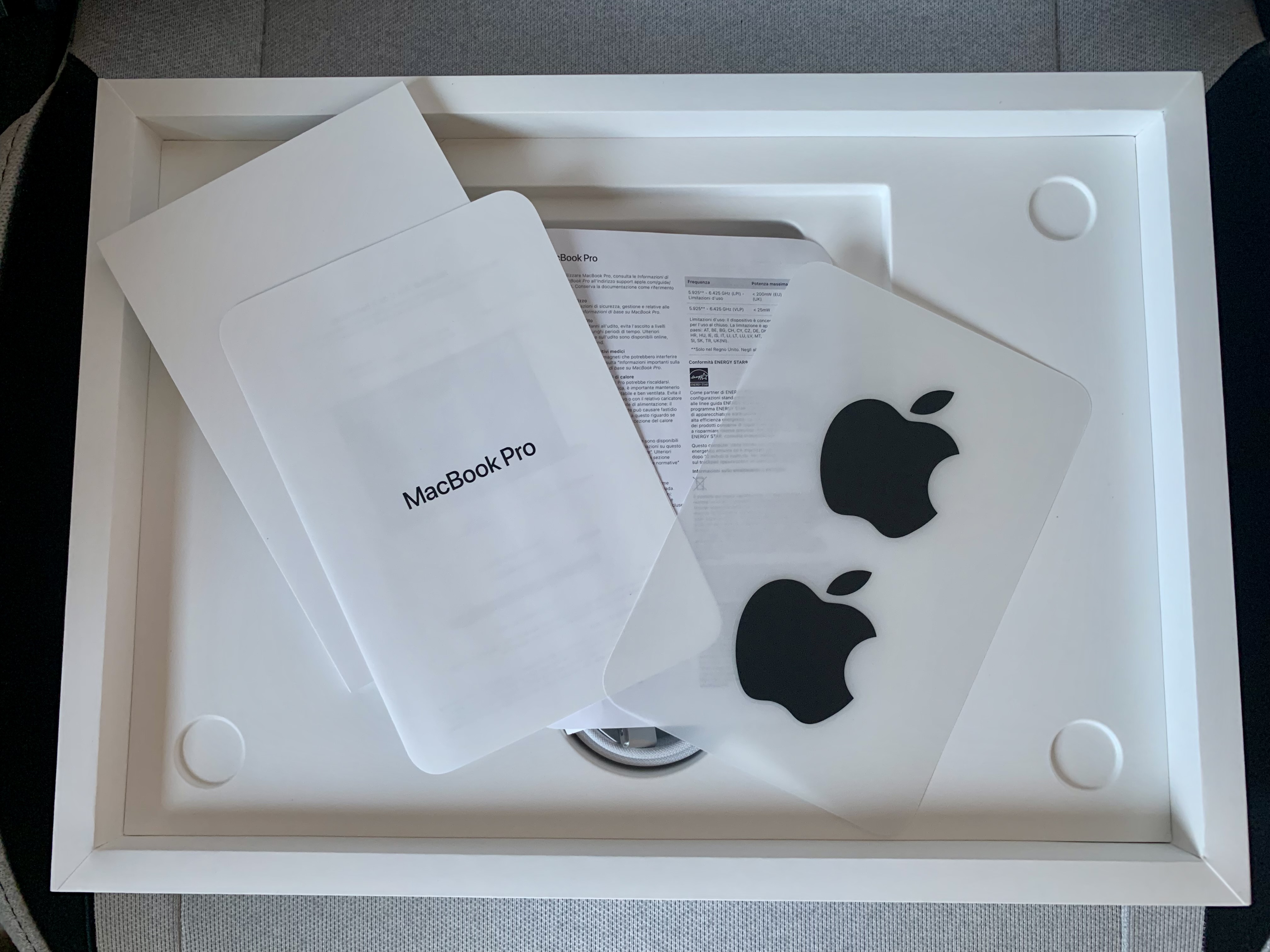
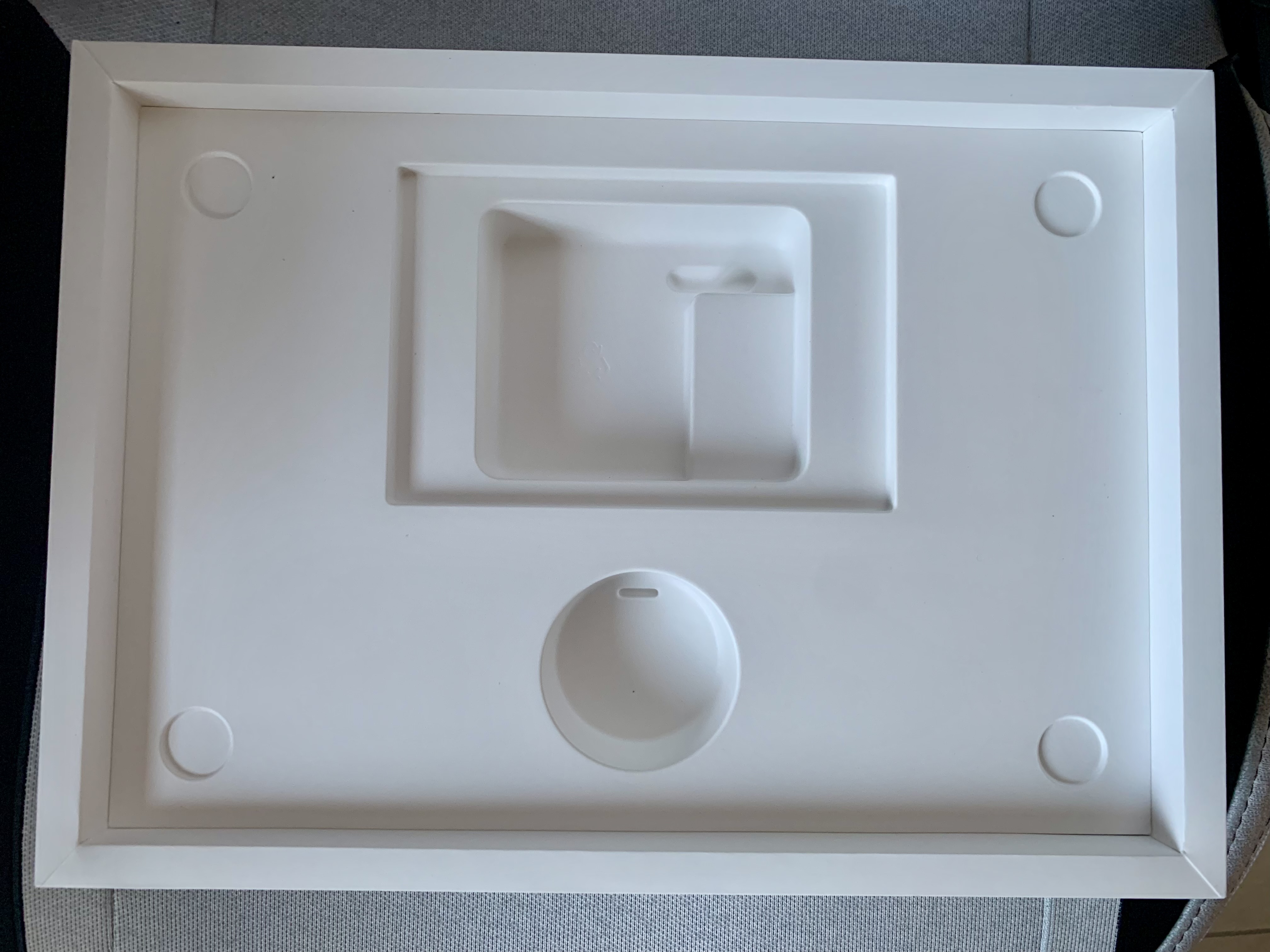
And here is a brief look at the empty insides of the box. As said above, everything around that is empty cardboard, which I could not remove without hopelessly damaging the box.
Looking at the wrapping paper, one can see something written there, which is:
IMPORTANT: Use requires acceptance of the software license terms presented electronically during setup.
If you look at the languages used, we see: English, French, German, Spanish, Portuguese, and Chinese. I bought this in Turin, Italy, but this was assembled in China, and Italian is not considered a language worthy of being included in there. I wonder if the legal binding of the meaning of that sentence is still valid if you want it to apply in a country where none of those languages is actively used. I guess we need our Apple devices so much that we aren’t really concerned about this.

Ready for first boot!
I have now placed the naked Mac on my desk, next to his faithful, old grandpa, ready to be configured in its fullness.
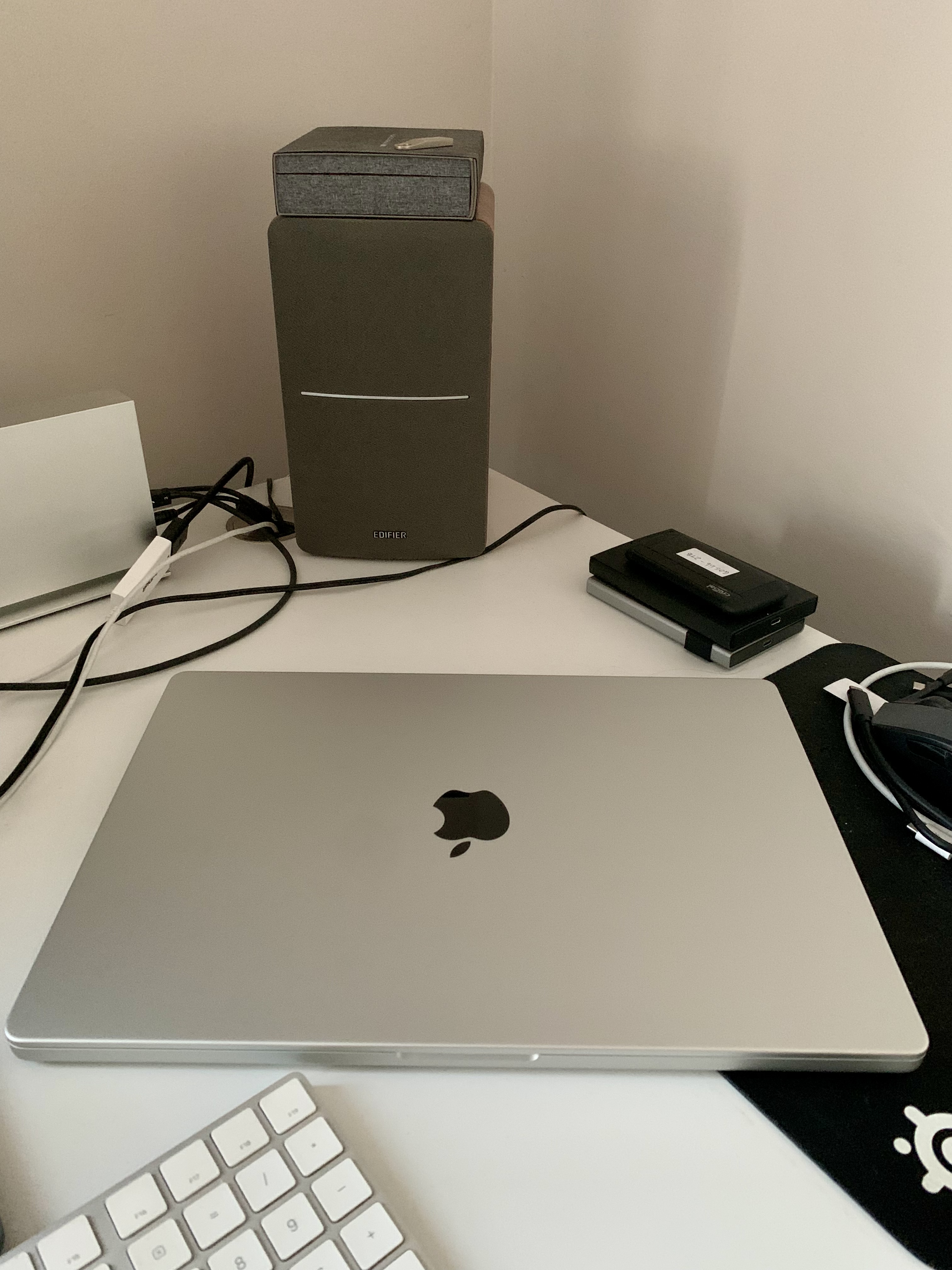

Starting with the next episode, I will walk you through every single step of the configuration process and, most importantly, the set-up of every app I use. I am writing this when this process is almost over, and when you will read these words it will be a thing of the past, but rest assured that it wasn’t as smooth as I expected. For once, though, it was not Apple’s fault!
Thank you for reading so far, I hope you enjoyed it, and stay tuned for the next episode!
 Music Preparation Services
One thought on “My upgrading path to Apple Silicon — Part 5”