
Purchasing a new computer comes in several phases: planning, configuring, ordering, fetching, and configuring. If one is upgrading their main working machine, then it is even more important to get through most steps in the smoothest way possible.
Category Archives: Mac
My upgrading path to Apple Silicon – Part 2
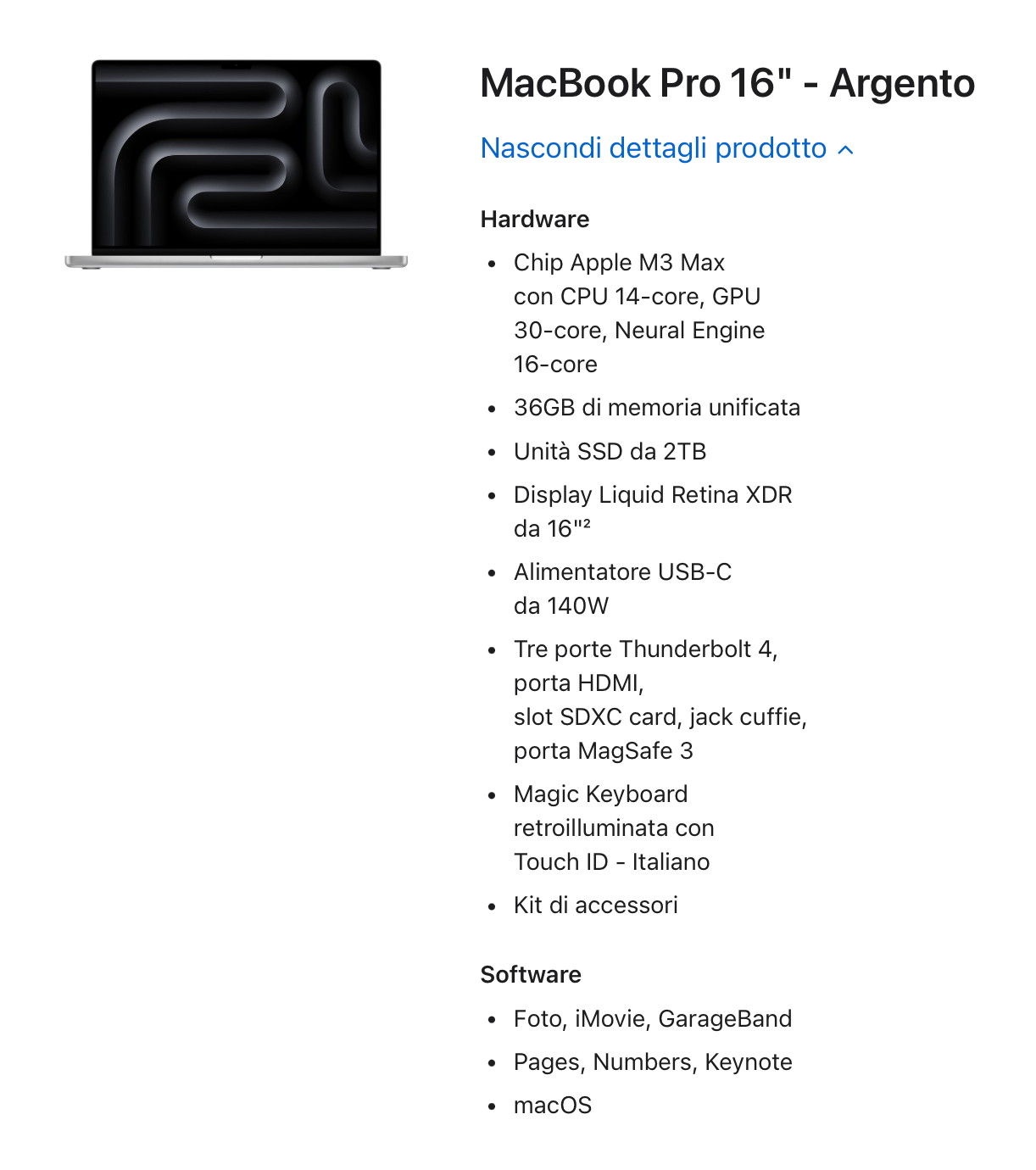
As we saw in the [last article], the new machine needs to perform at least double as the outgoing machine, and its internals also need to be double. Finally, it has to be another lasting machine, as I do not plan to replace it again for the next 6+ years. Let’s configure this machine together, and I will also try to motivate my choices.
My upgrading path to Apple Silicon – Part 1
I have been a Mac user since 2009 when, tired of buying a new Windows laptop every year due to mysterious hardware and software failures, I ordered my first Mac. It was also my first experience with buying a computer from the Apple Store and with their phone support. Fourteen years later, I can tell you that it was like nothing I had ever experienced before and, after all the legalised frauds I had gone through, it contributed considerably to my choice.
 Music Preparation Services